
Optical Tracking Setup | Getting Started
A structured setup guide for high-precision and stable 6DoF performance
This step-by-step guide ensures your PS-Tech optical tracking system is installed and configured for maximum accuracy and long-term stability.
Step 1: Download the PST Software Suite
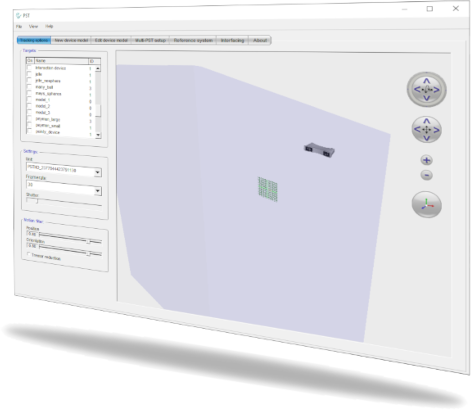
Download the latest PST Software Suite for your platform and install it to start tracking.
Step 2: Connect the PST to your computer
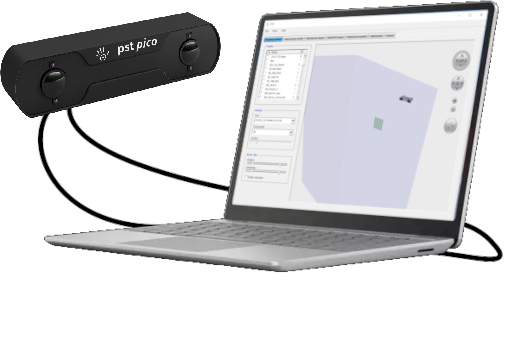
Next, connect the USB cable(s) to your computer and power the PST unit. Then position the unit so it oversees the tracking workspace. For optimal performance, mount it on a tripod.
Step 3: Prepare your tracking target
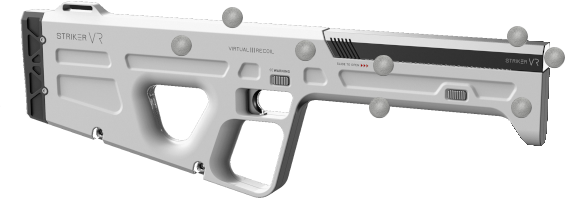
Next, connect the USB cable(s) to your computer and power the PST unit. Then position the unit so it oversees the tracking workspace. For optimal performance, mount it on a tripod.
Step 4: Train your tracking target
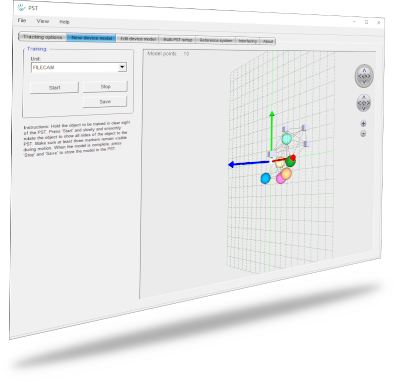
Launch the PST-Client software and train your tracking target using our streamlined procedure. Save the target model so the PST unit detects it. Or, if you already have a 3D model, convert it to a JSON-based target model and import it via PST-Client.
Step 5: Start tracking
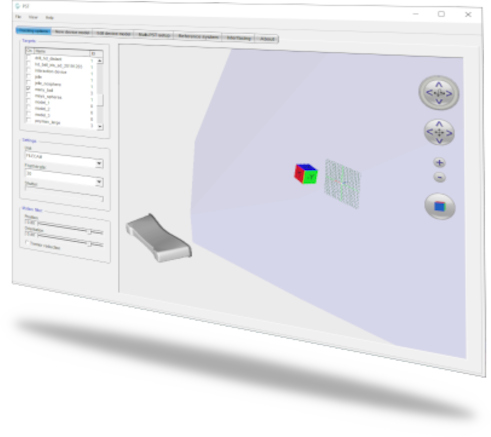
After that, activate your new tracking target, move it in front of the PST unit and watch it track in real-time! Now you’re ready to begin using the tracking data.
Step 6: Start working
Setting up optical tracking is easy with PS-Tech. Export and analyse your 6DoF tracking results directly, or integrate them into your application using the PST SDK. Moreover, we support multiple industry-standard protocols and provide C++, C, C#, and Python APIs.

PST SDK
Direct integration of the PST tracker with your application
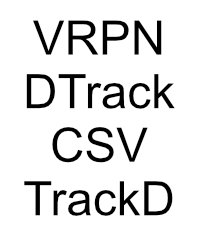
Standard protocols
Make tracking results available through standardized interfaces

Classic PST SDK (legacy)
Legacy C API with limited functionality and C# and Python bindings
More Information
Related Products
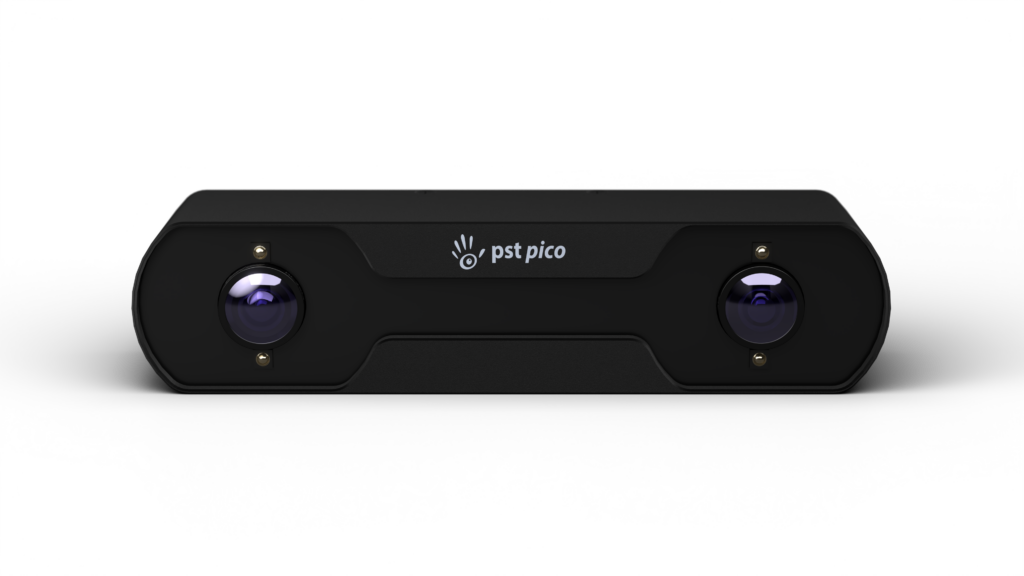
The PST Pico is PS-Techs smallest optical tracker, designed for short-range and desktop environments where space is limited. It delivers
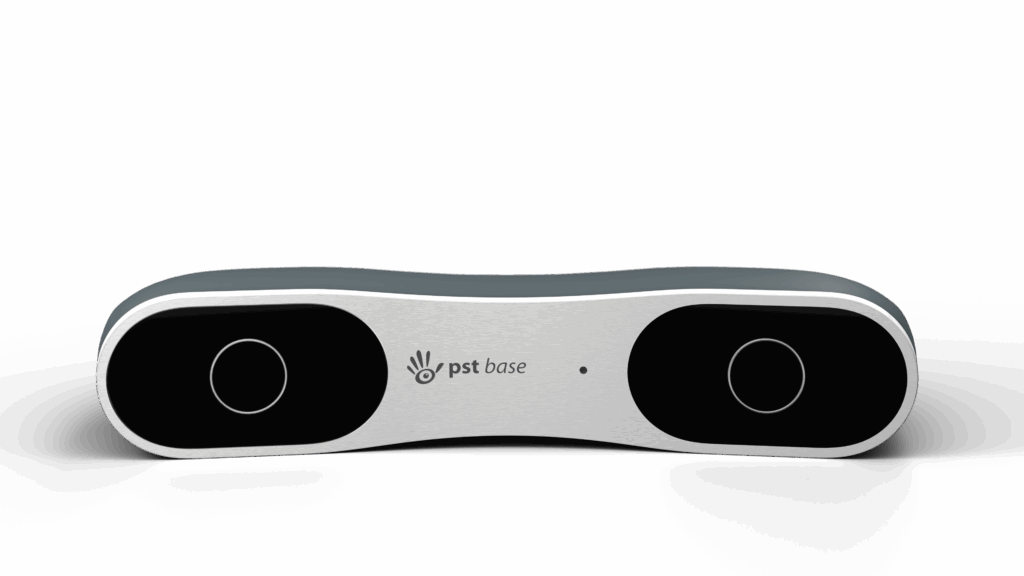
PST Base is trusted in simulator and training environments that require high-accuracy optical tracking at mid-range distances — with flexible
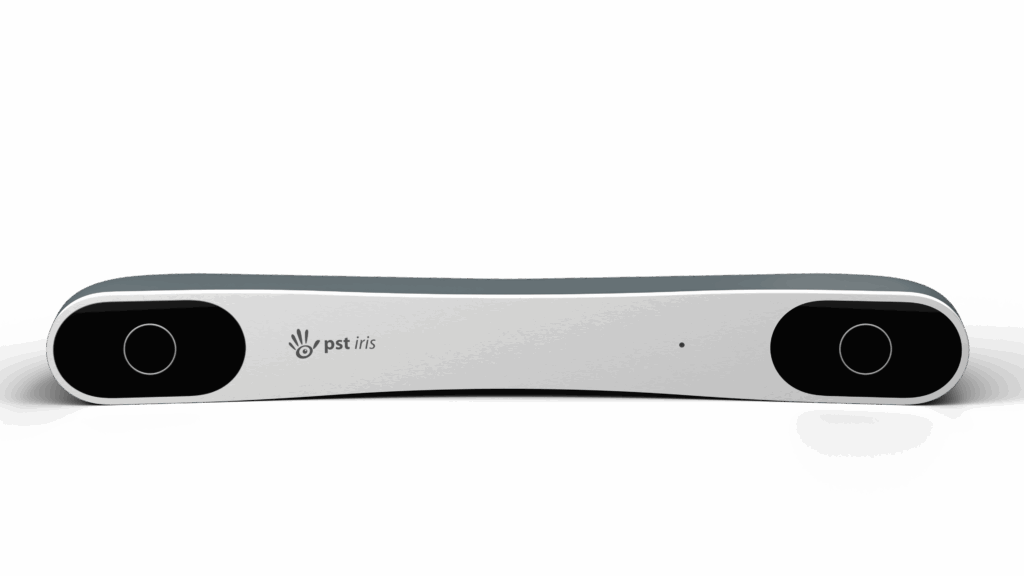
The Iris perfect for room-scale simulators, powerwalls, immersive solutions, and setups where the tracker cannot be positioned close to the
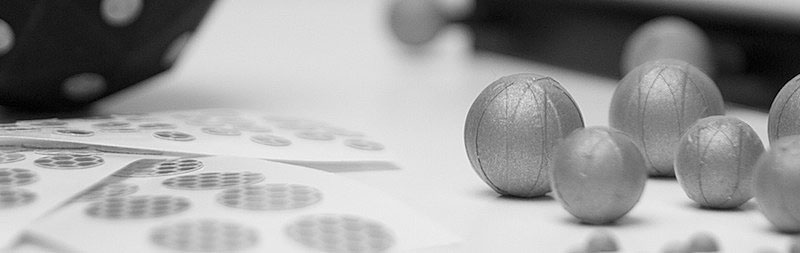
PS-tech’s optical tracking systems support both passive and active markers, offering flexibility based on your tracking needs.
The PST Software Suite is the essential command hub for optimizing and managing your PST optical tracker. By connecting seamlessly
Specifications and other information are subject to change without notice. All brand and product names are trademarks or registered trademarks of their respective holders. The information on this webpage is provided by the respective named manufacturer and is for general information purposes. These data constitute a concrete indication of properties and condition only if they are expressly indicated by EST or have been agreed upon as a condition in writing.