
Motive
Motive Software Specs
Motive
Tracker
Motive
Body
Motive
Body Unlimited
Motive
Edit
Motive
Edit Unlimited
Solver Features
Quantum Solver
Live Skeletons/Markersets
Up to 3
Unlimited
Edit Skeletons
Up to 3
Unlimited
Up to 3
Unlimited
Tracks 6RB Skeletons
Marker Features
Tracks Passive
Tracks Signature Pulse Active
IMU Sensor Fusion
Camera Compatibility
Versa Series
Primeˣ Series
Prime Series
Slimˣ Series
Slim Series
Flex Series
Tracking Bar Series
License Included
Camera Features
Live Capture
Duplex Mode
Live Capture & Post
Live Capture & Post
Post Only
Post Only
Primeˣ 120 Full Resolution MJPEG
Live Capture & Post
Live Capture & Post
Live Capture & Post
Post Only
Post Only
Camera Features
Marker Tracking
Track over 1,500 markers at one time.
Duplex Mode allows cameras to capture both object mode and MJPEG mode from the same camera at the same time.
Supports Active Technology, which uses blinking powered LEDs to give unique ID values to each marker in the scene. This allows hundreds of similar rigid bodies to be tracked in real-time.
Supports passive marker technology, which uses retroreflective material to track any object.
Both rigid bodies and skeletons support a mix of active and/or passive markers.
Rigid Body and Skeleton Tracking
Track over 12 skeletons in real-time.1
Track over 300 rigid bodies in real-time.
Trained Markersets are used to track other types of objects that have hinges or deform in non-rigid ways, such as cloth, robot arms, animals, jump rope, and more.
Skeleton and rigid body tracking uses state-of-the-art algorithms that result in graceful animations, even with large amounts of occlusion.
Typical rigid body tracking yields,2
- Positional accuracies typically +/- 0.2 mm or less
- Rotational accuracies typically +/- 0.1 deg or less
- Latency typically < 10ms
Single click creation process for skeletons, rigid bodies, probes, and HMD clips.
Calibration
The calibration process calculates the 3D position and the lens distortion of cameras with an intuitive interface and easy to understand visuals.
Continuous Calibration – evaluates markers during normal system use to provide a fresh calibration, typically every few minutes.
Recalibrate a single camera or a group of cameras to quickly fix a bumped or moved camera.
Mask all of your cameras with a single click to ignore other objects or light sources in your capture volume.
User Interface
Intuitive data management and organization.
- A take file (.tak) contains all video, marker, and asset data in one simple to manage file.
- Supports importing take lists from text and CSV files.
- Detailed metadata (timecode, notes, etc.) is also included in take files. This data is helpful for organizing long lists of takes.
Uncommonly used properties are hidden by default, but can be unhidden by advanced users.
The Builder pane is used to create and edit different types of assets (skeletons, rigid bodies, HMDs, etc.) with visual guides.
Connected physical devices (cameras, force plates, etc.) appear in the Devices pane for simple configuration.
Data Editing and Export
Scripting is available through NMotive using Python or C#. A variety of prebuilt scripts are included to help automate common tasks.
Create or use default graphs to display your data in a variety of ways.
The Edit Tools pane includes cleanup tools (trimming tails, filling gaps, smoothing, etc.).
The Labels Pane allows markers to be manually labeled if needed.
Export data out to CSV, C3D, FBX ASCII, FBX Binary, BVH, and TRC data formats.
Cameras and Synchronization
Supports over 250+ Ethernet cameras (or up to 24 USB Cameras) at one time.
Reliable camera synchronization down to the microsecond.
Detailed control over camera properties (frame rate, exposure, gain, video mode, etc.).
Calibrated reference video with 3D visual overlays.
Aim Assist makes setting up cameras simple and easy.
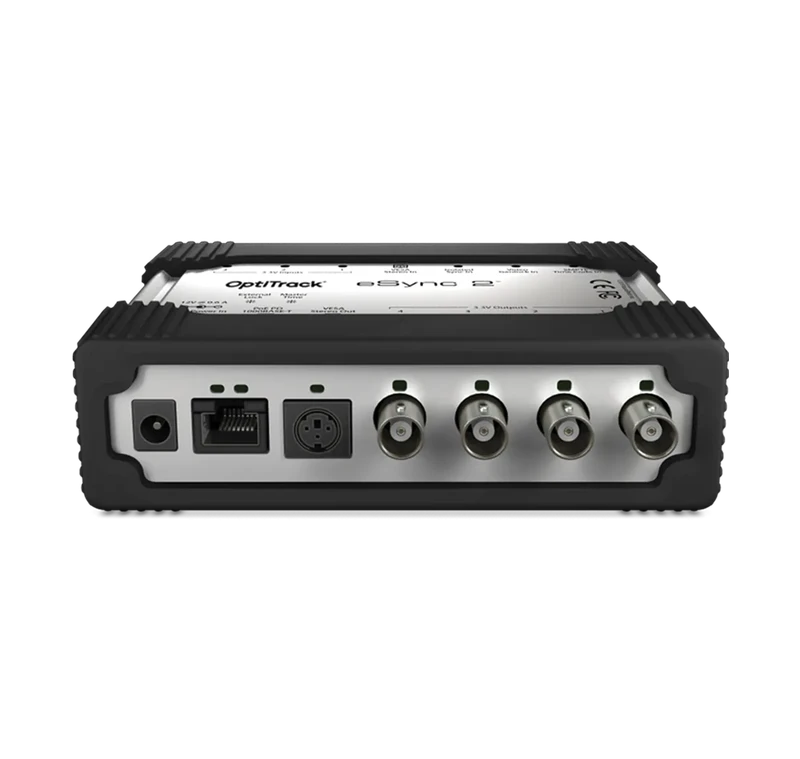
Use the eSync2 to input or output SMTPE timecode, genlock, or other input data to keep your devices synchronized.
Data Streaming
Flexible real-time streaming (OptiTrack NatNet SDK and VRPN).
Create your own custom plugin for any application using the NatNet SDK. A variety of samples are included.
Free NatNet plugins are available (Unreal Engine, Unity, OpenVR, MotionBuilder, MATLAB, etc.).
SDK’s and API
Use the NatNet SDK to stream data from Motive to another application in real-time. This also allows you to control some aspects of Motive remotely.
Use the Motive API to bypass the Motive user interface entirely and create your own application with Motive, but with all the tracking capabilities. This contains Camera SDK.
Use the Camera SDK to interface with cameras directly in custom built applications.
System Requirements
Recommended system requirements can vary significantly based on camera model and count. Please contact us to find system recommendations tailored to your specific setup.
- The number of skeletons supported depends on your license type. (See the Compare page for more details.) ↩︎
- Tracking accuracy depends on the camera used as well as other factors such as marker distance from the cameras, marker type, and whether it is indoor or outdoor tracking.) ↩︎
Related Products
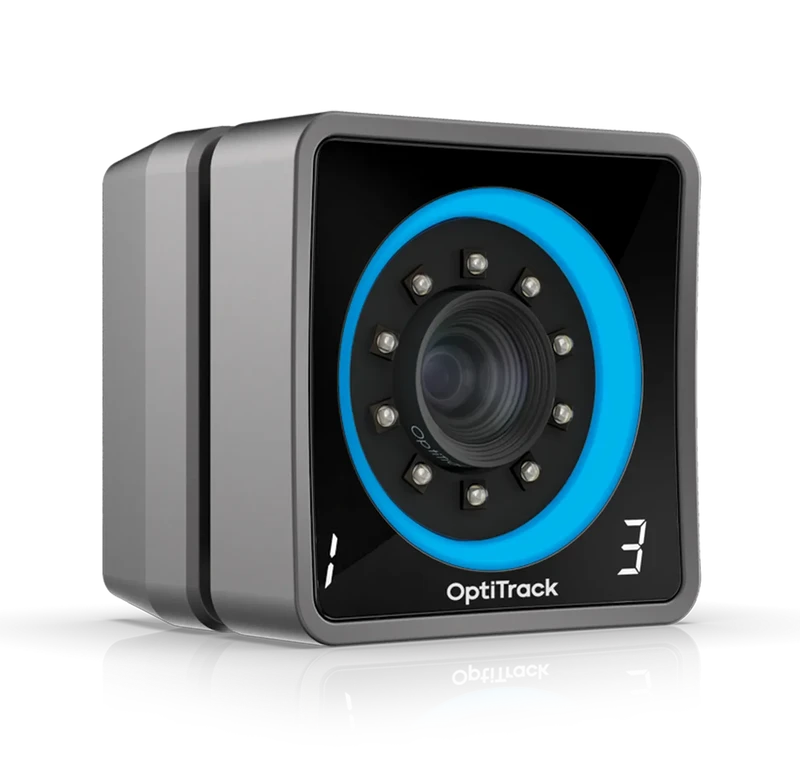
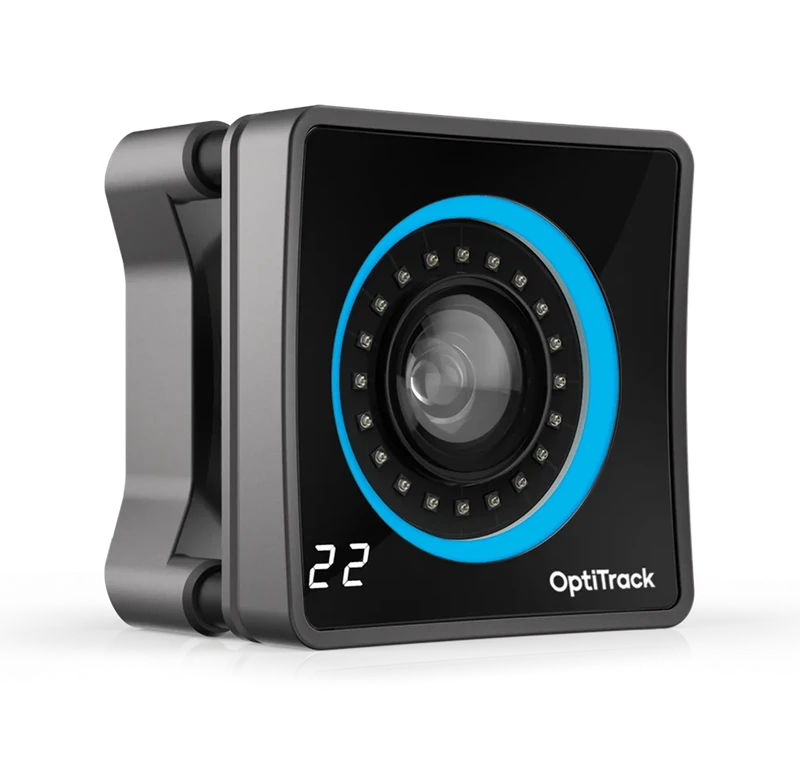
The perfect blend of range, speed, and FOV. Edge-to-edge coverage while delivering stunning camera-to-marker range and 3D accuracy.
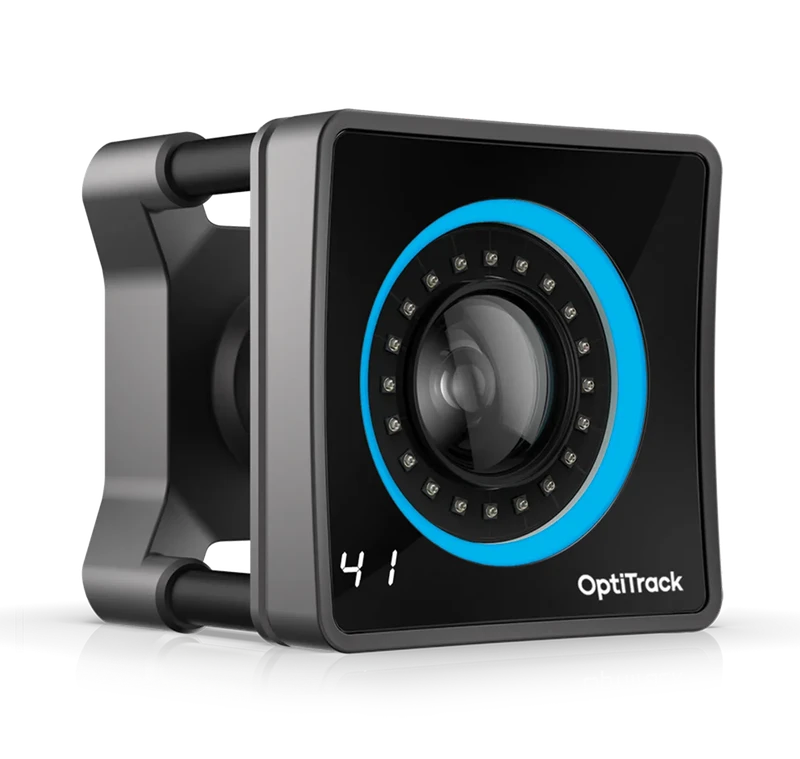
Range and precision. The most precise large scale 3D measurement system in the world was built with Prime technology. Primex
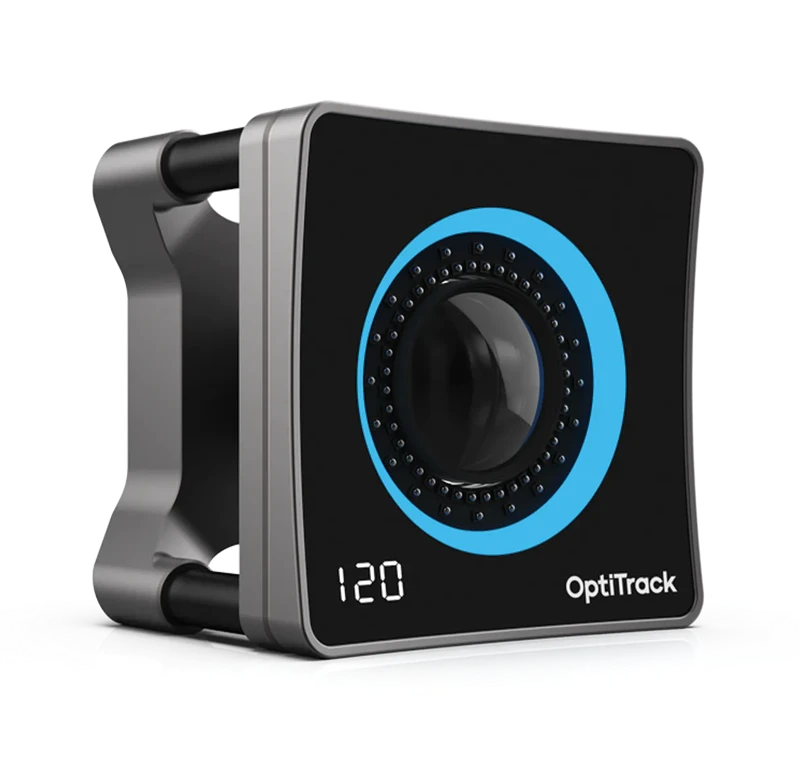
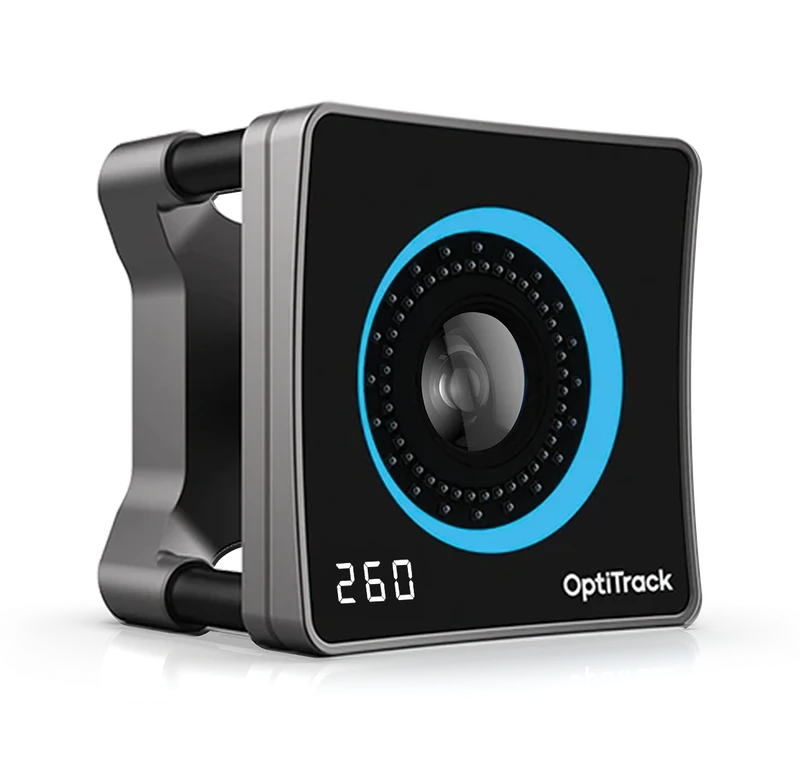
The new Primex 260 delivers 50-micron 3D accuracy—our tightest spec ever—paired with our highest resolution sensor and OptiTrack’s industry-leading range.
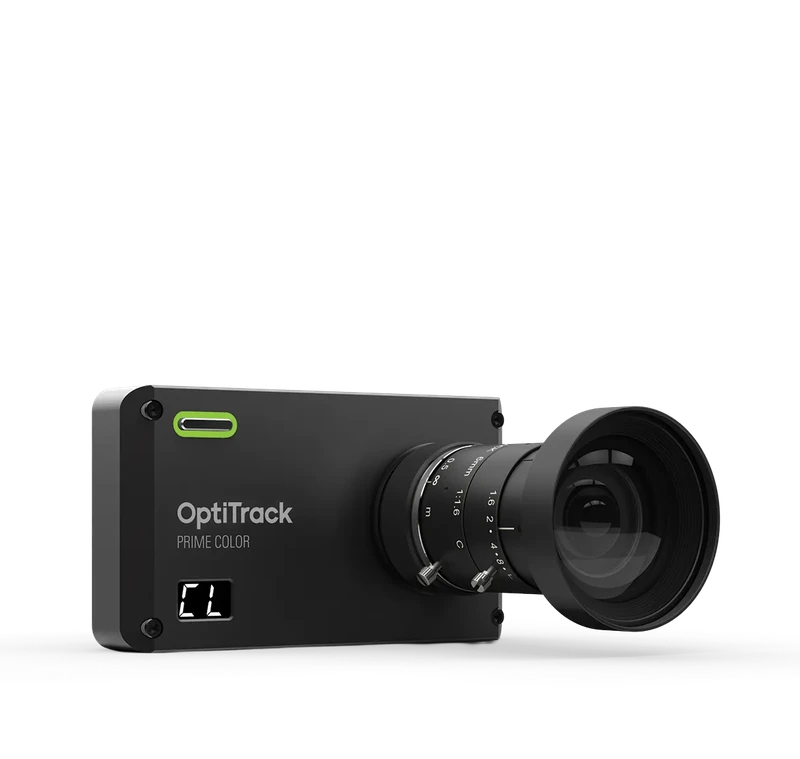
Data compression is handled on board the Prime Color, rather than on the PC—simultaneously lowering latency and improving video quality.
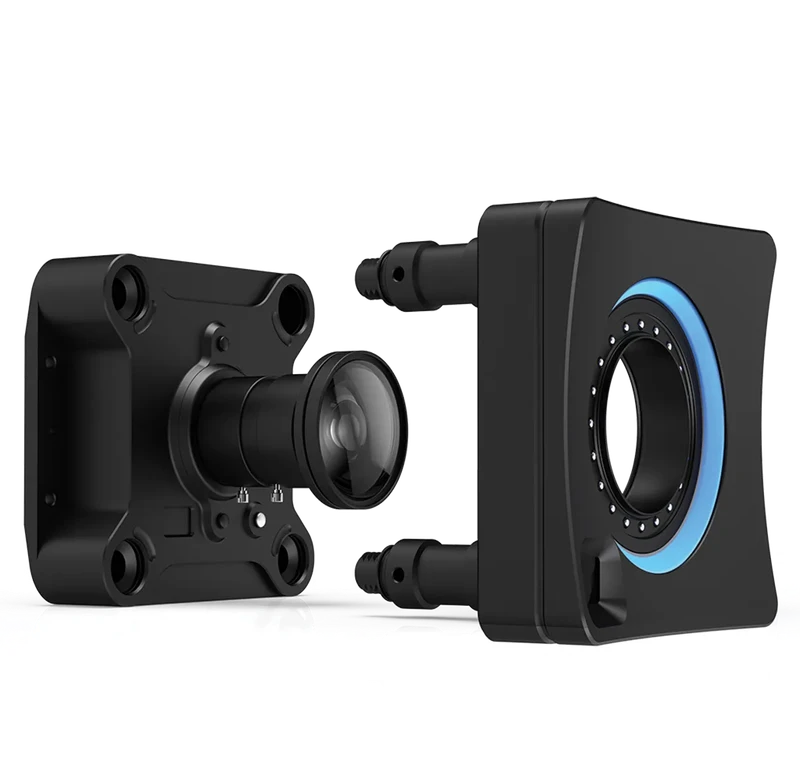
Built tough with an IP66 rating and versatile mounting options, making it perfect for any environment from the manufacturing floor
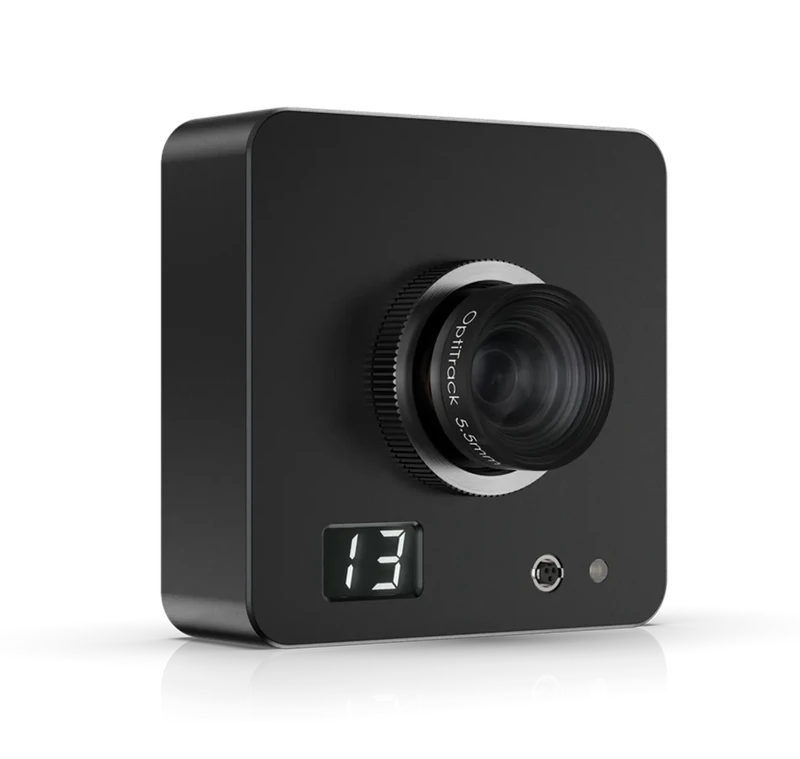
The Slimx 13’s 2.7″ square signature, 12 ounce weight and invisible 850nm IR illumination are perfect for applications which require
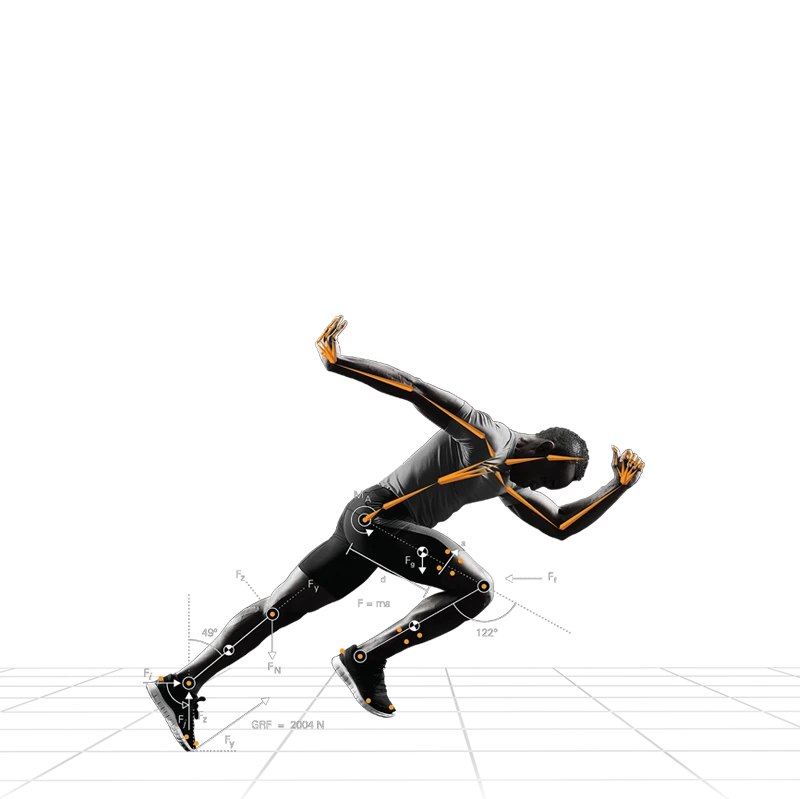
A breakthrough, patent-pending feature that unifies marker-based precision and markerless freedom in real time.
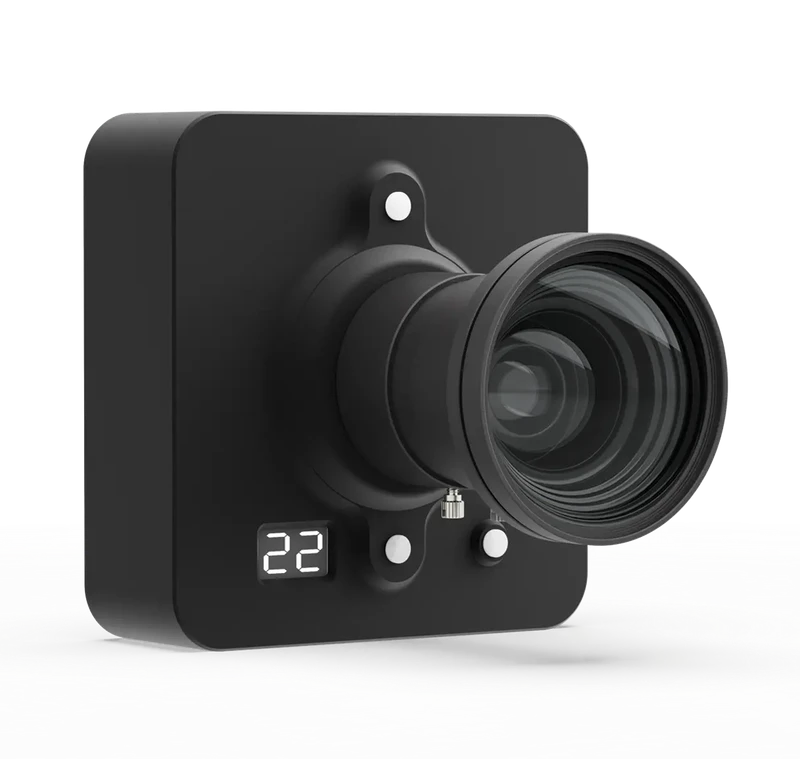
Precision active tracking with a wide field of view, designed for discreet installations and expansive capture areas.
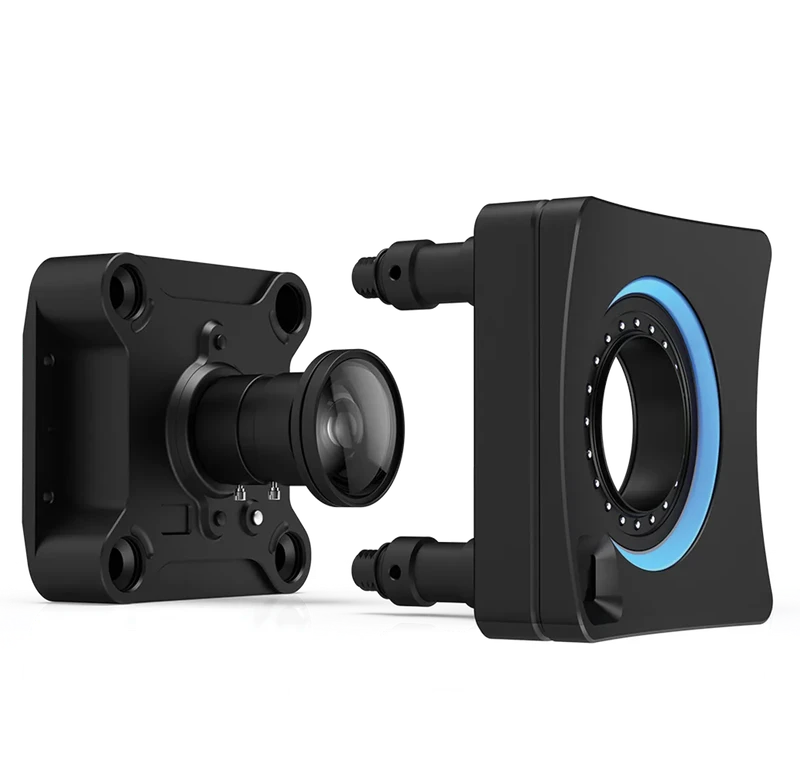
Built tough with an IP66 rating and versatile mounting options, making it perfect for any environment from the manufacturing floor
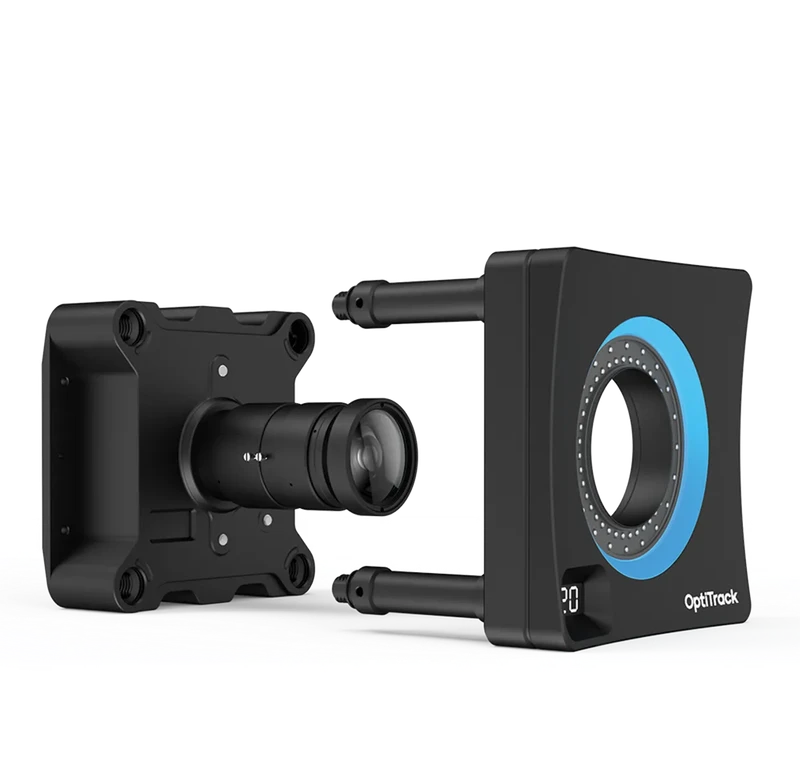
Built tough with an IP66 rating and versatile mounting options, making it perfect for any environment from the manufacturing floor
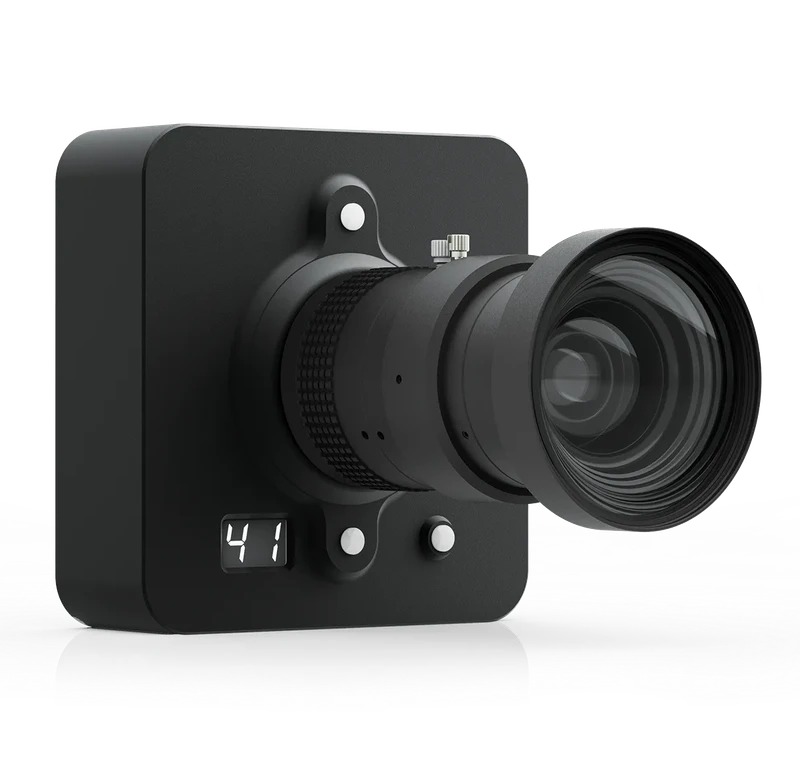
Precision active tracking with a wide field of view, designed for discreet installations and expansive capture areas.

Real-time interface for streaming 6DoF Rigid Body and/or skeleton data to various streaming destinations.
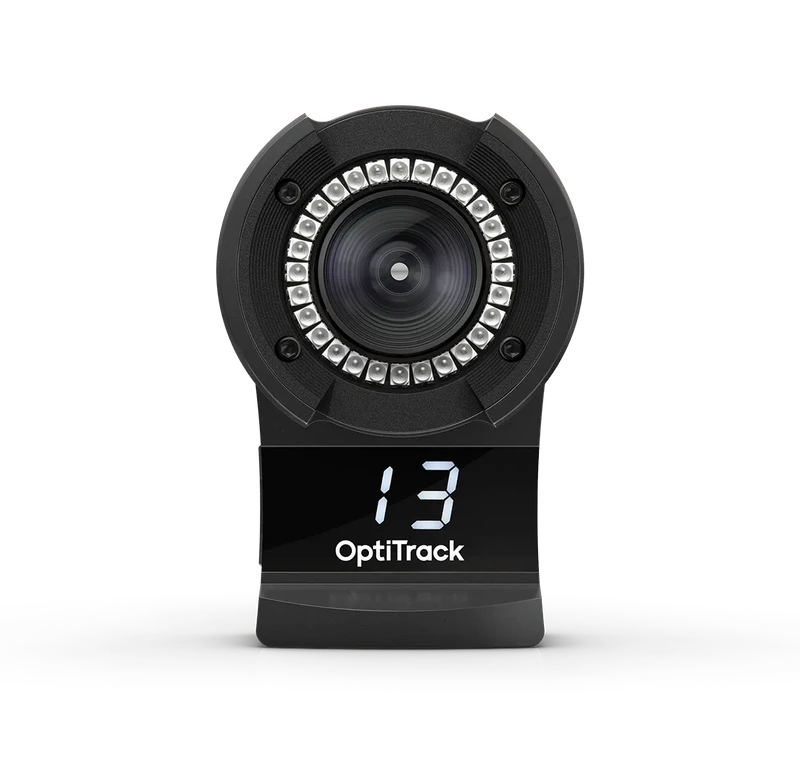
Enjoy the precision and accuracy of a professional capture system at a price tuned for AAA and indie studios alike.
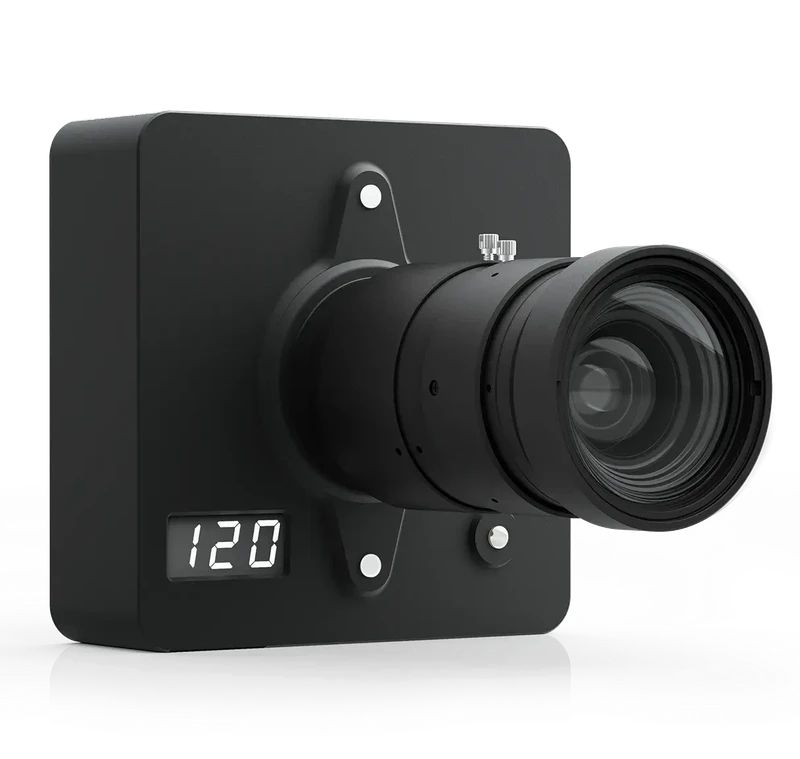
When your application requires class-leading 3D motion precision in a very large volume, nothing compares with the performance of the
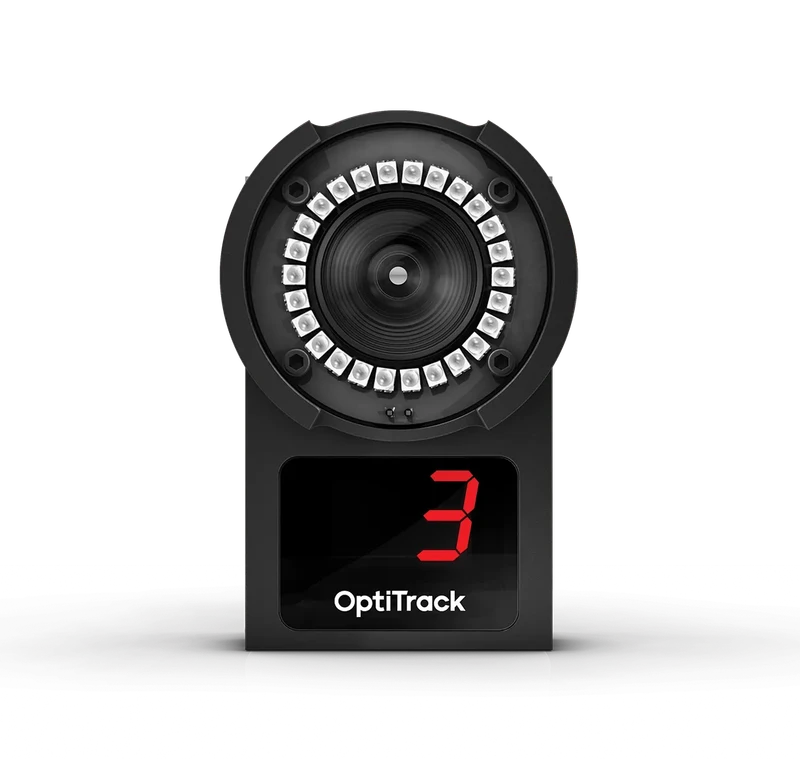
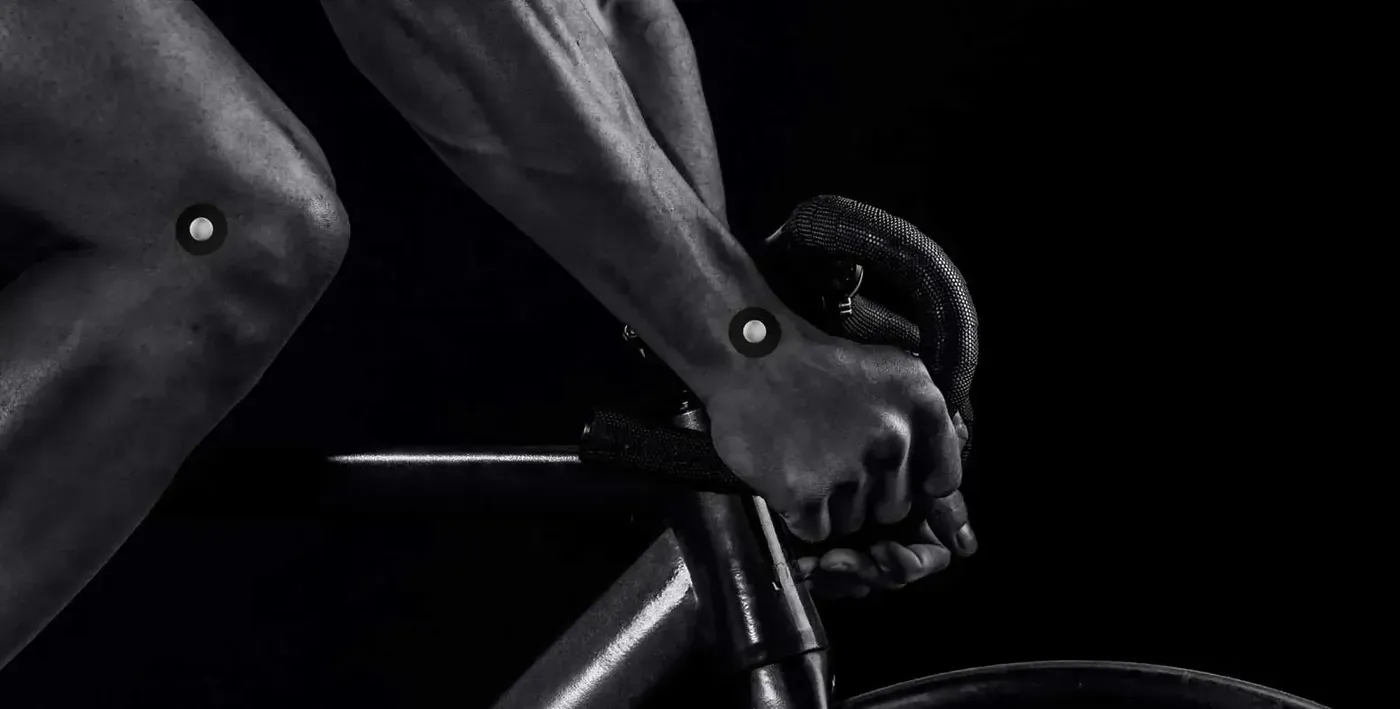
InSight is a real-time 3D human motion analysis solution, developed with STT Systems for marker tracking, data collection, and analysis.
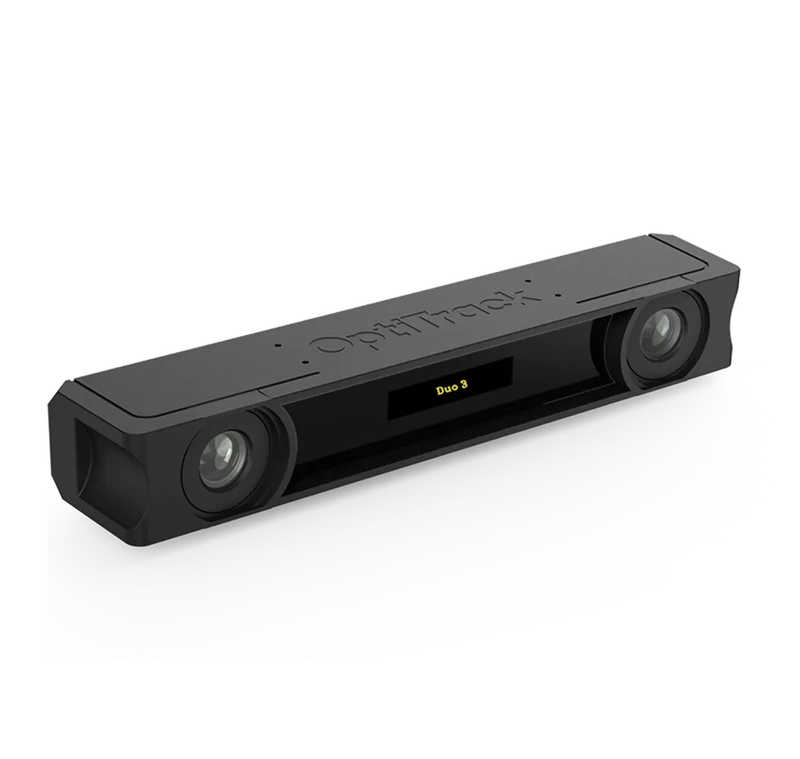
6DoF optical tracking with multiple cameras and capture software in a single plug-and-play package
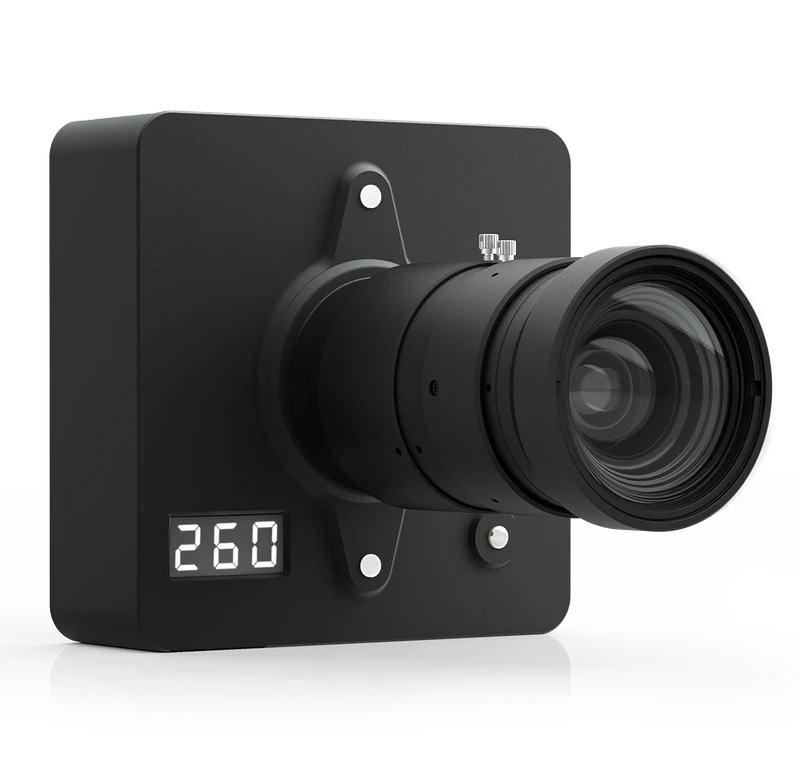
Flagship Active Tracking with sub 50-micron 3D accuracy. Maximum Range. 26 Megapixel Sensor.
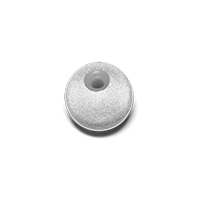
Precision Spheres with 3M 7610 Reflective Tape, injection molded bases, adhesives and other accessories
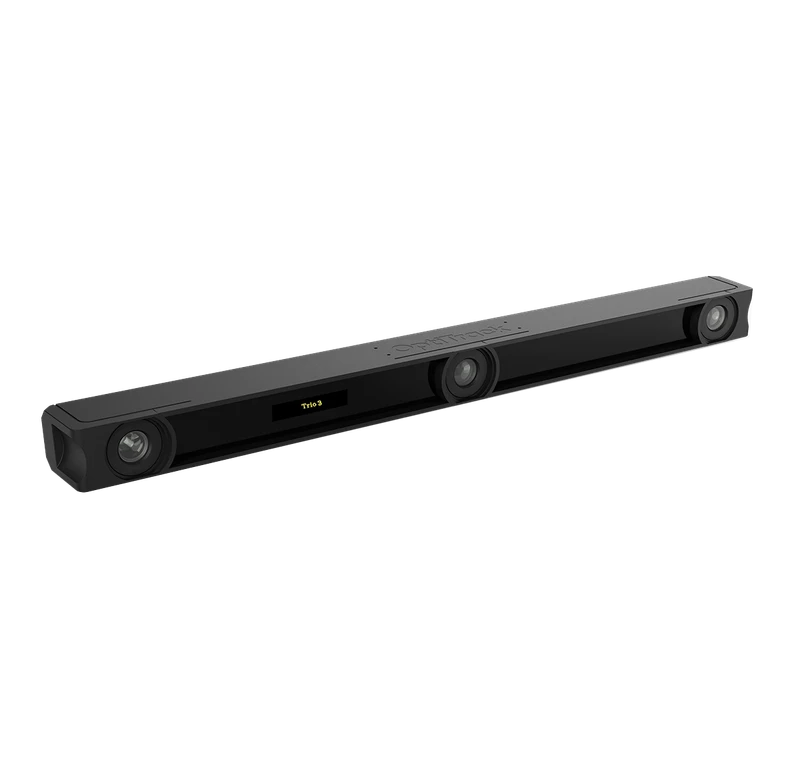
6DoF optical tracking with multiple cameras and capture software in a single plug-and-play package.
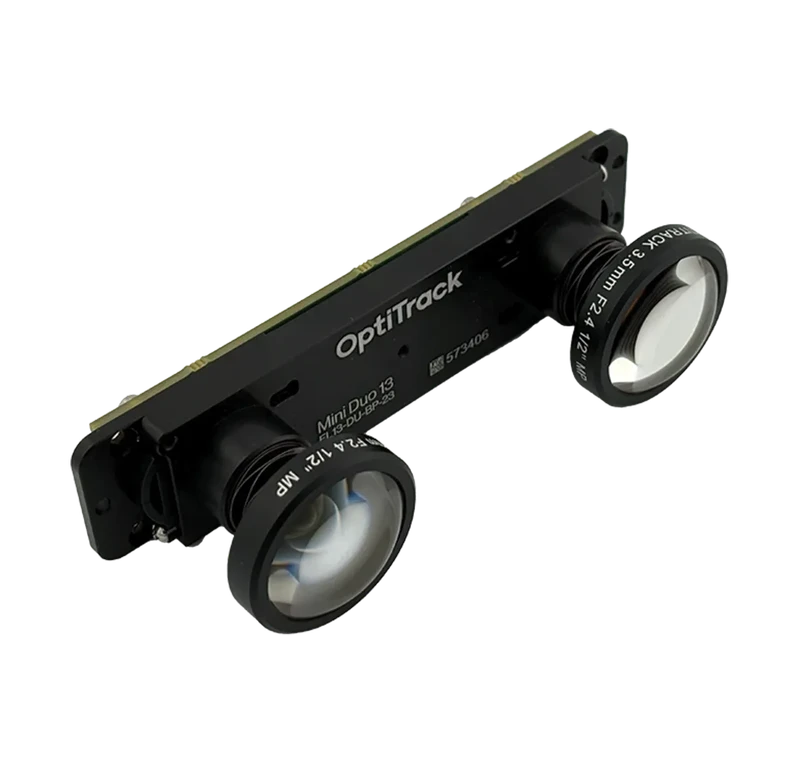
Compact, lightweight dual-camera tracking system. Optimized for integration in confined spaces and wearable applications
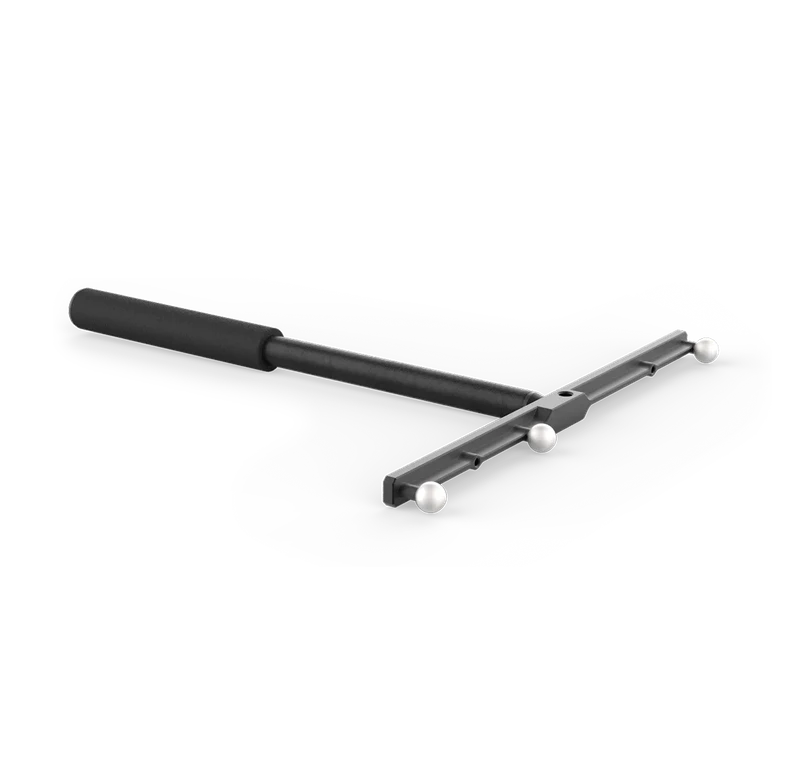
The Calibration Squares and Wands were designed for flexibility and accuracy during system calibration.
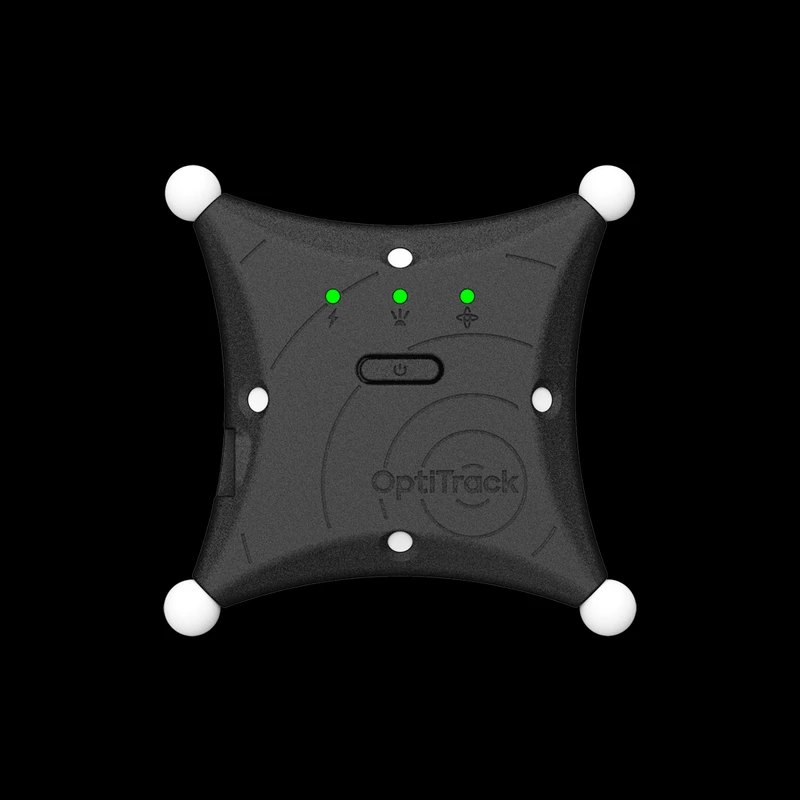
ActiveIO is OptiTrack’s line of active tracking hardware, built for unmatched scalability and resilience.
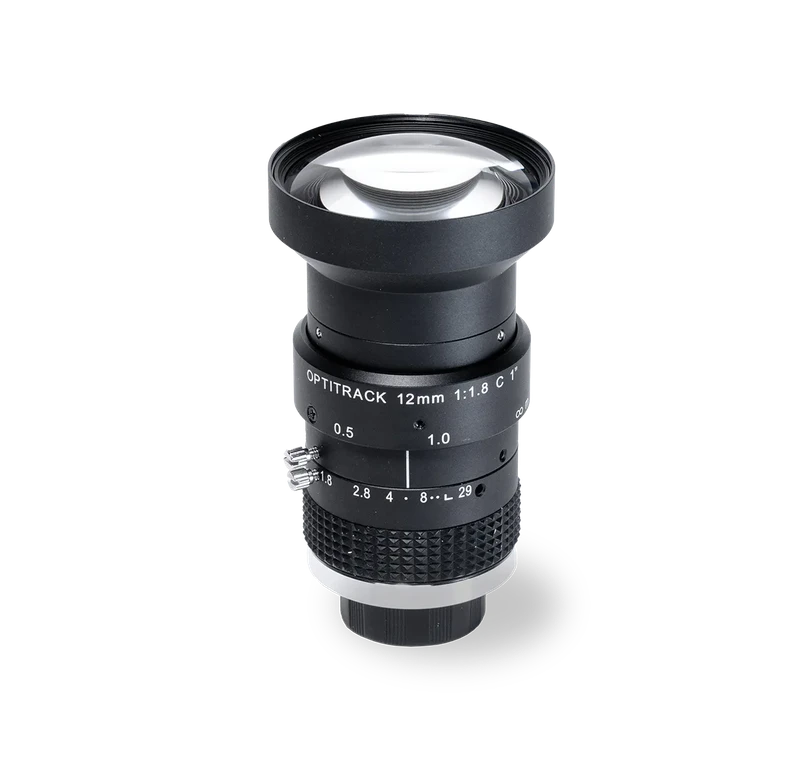
S-Mount, C-Mount and M42 lenses offering the best Field of View for your motion tracking application
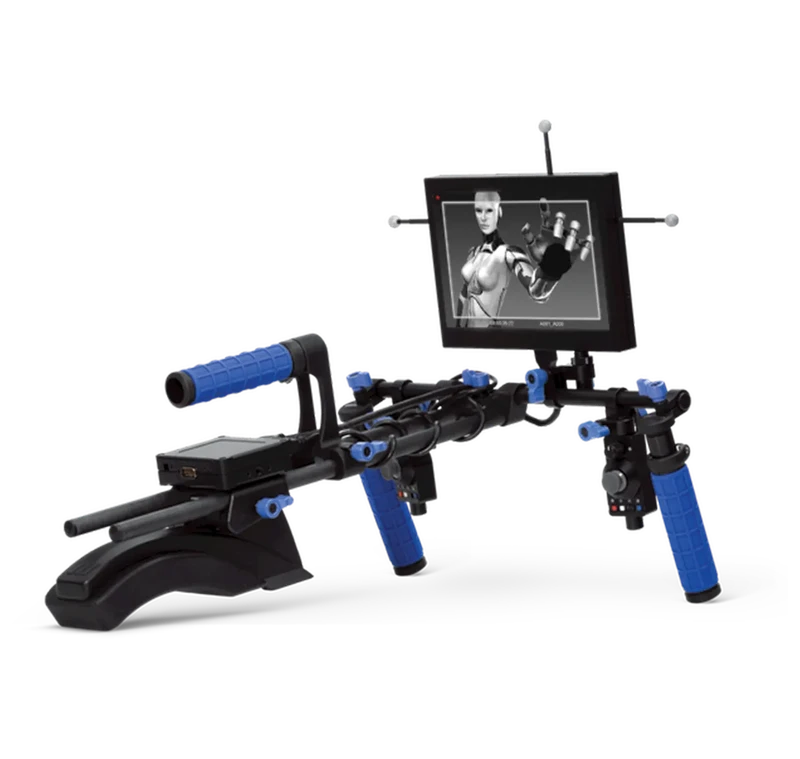
A professional virtual camera system that replicates the organic cinematographer's experience with exceptional fidelity.
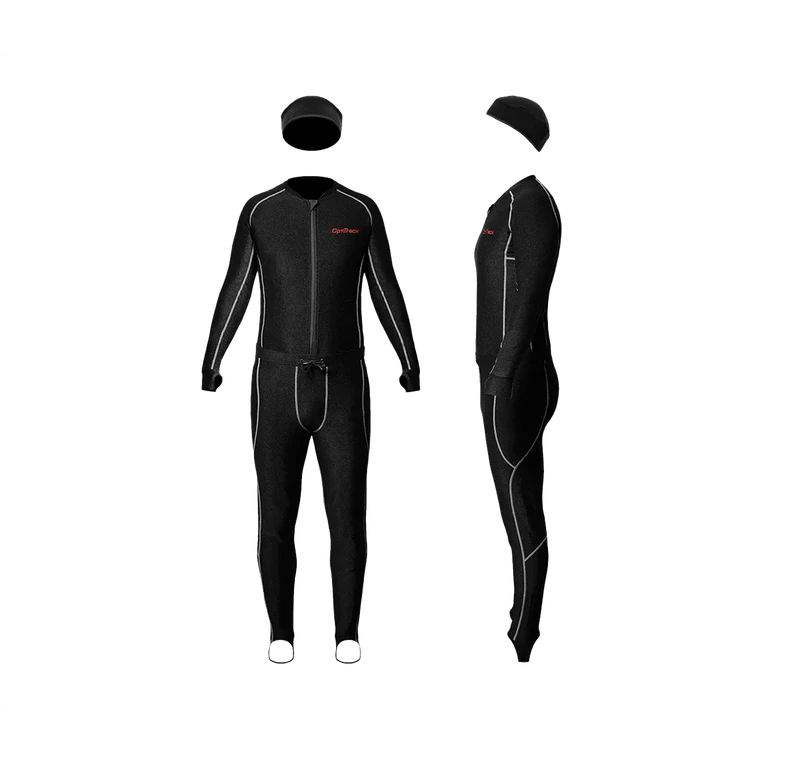
Velcro-friendly wear in different sizes where X-base markers adhere extremely well making them nearly impossible to knock off during performance
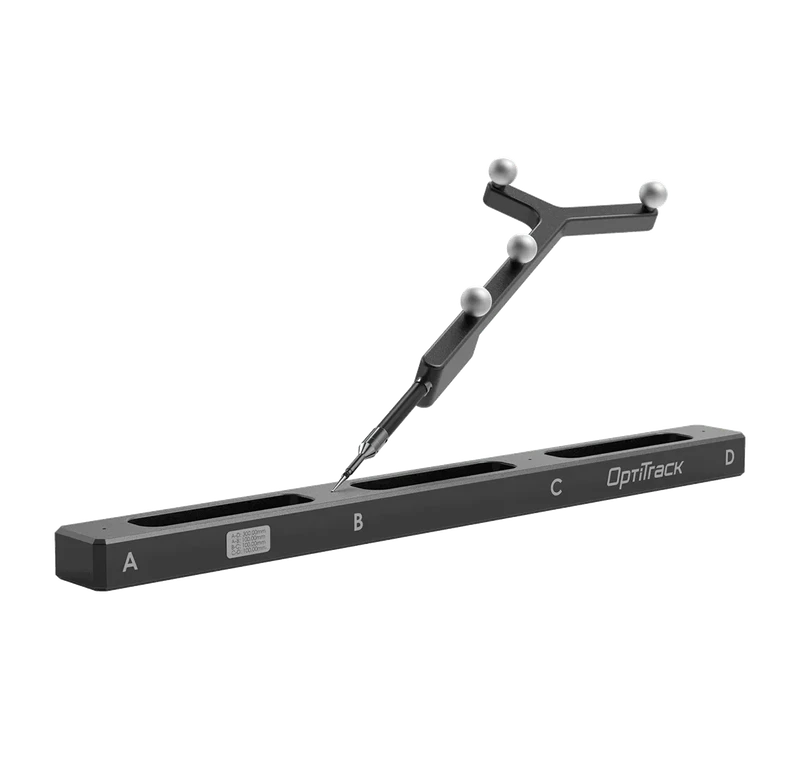
The Digitizing Probe is useful for 3D digitization of real world objects, identifying virtual points as well as anatomical landmarks.
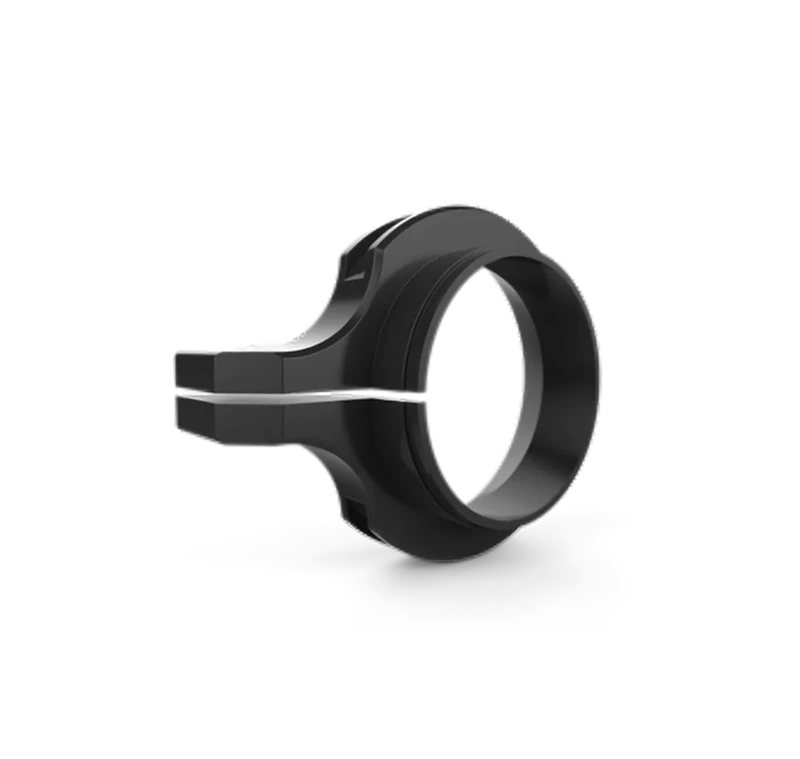
Filter Switchers, vStrobes, Focus Tools and other accessories for OptiTrack cameras.
Specifications and other information are subject to change without notice. All brand and product names are trademarks or registered trademarks of their respective holders. The information on this webpage is provided by the respective named manufacturer and is for general information purposes. These data constitute a concrete indication of properties and condition only if they are expressly indicated by EST or have been agreed upon as a condition in writing.